
Pick the way your eatery works
Dine-in
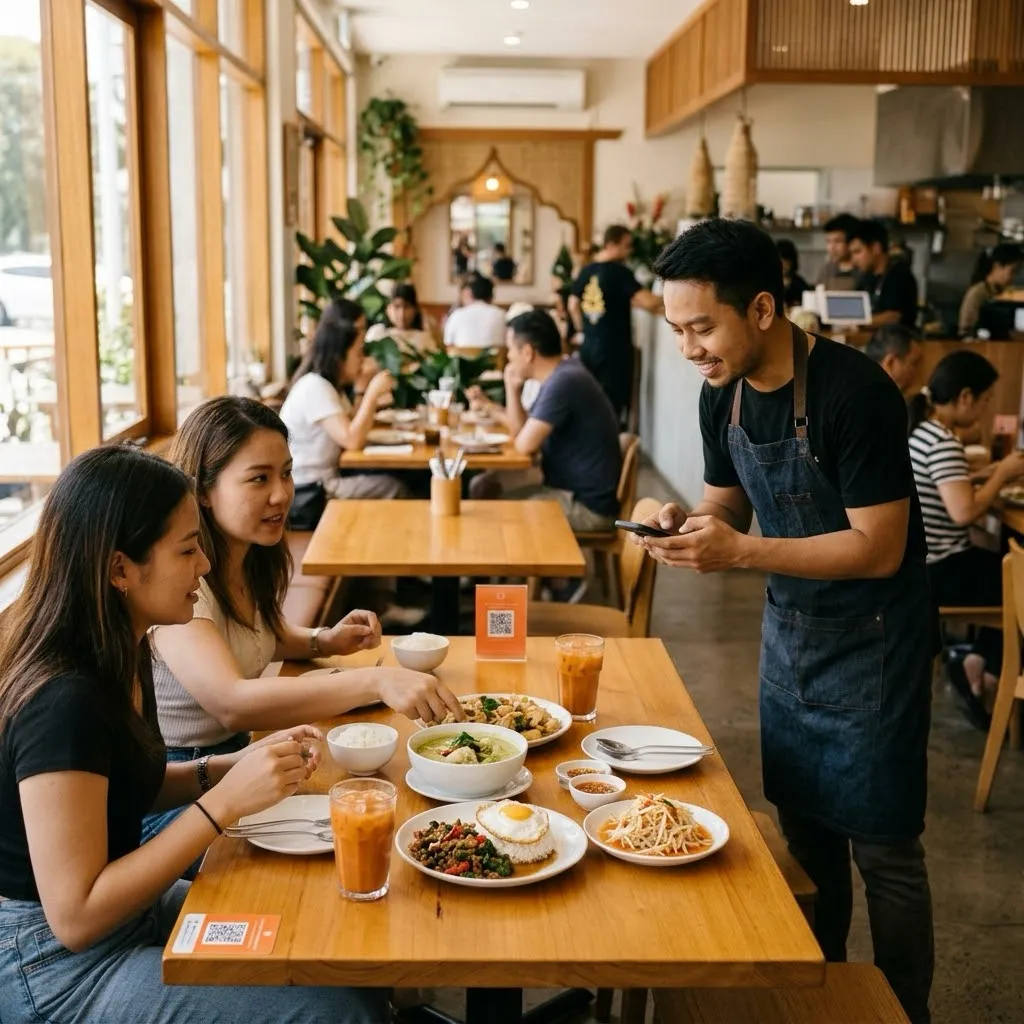
Diners order from the table QR or with a waiter, and pay at the end of the meal.
Counter and kitchen
Order and pay at the counter. The kitchen starts once the money is in; collect by queue number.
Order and pay yourself
Diners order on their phone or a kiosk, pay first, and wait for their number.
Dine-in
Diners sit at a table, order from the QR or with a waiter, and pay at the end of the meal.
Zones and tables
Arrange zones and tables, and add temporary tables on a busy day.
A QR for each table
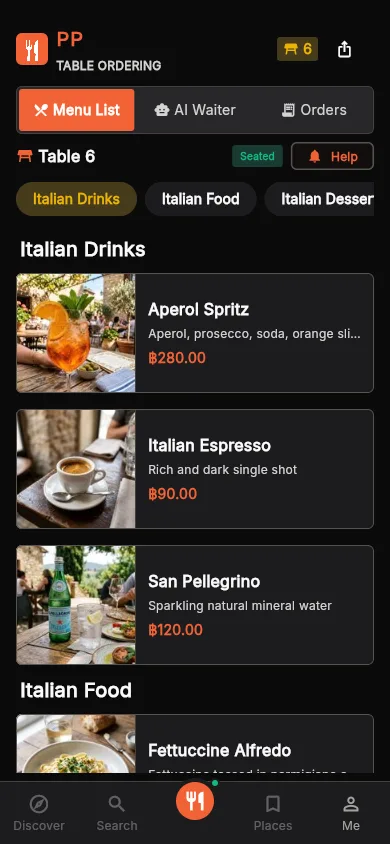
Diners scan and order. There’s nothing to install.
Waiters
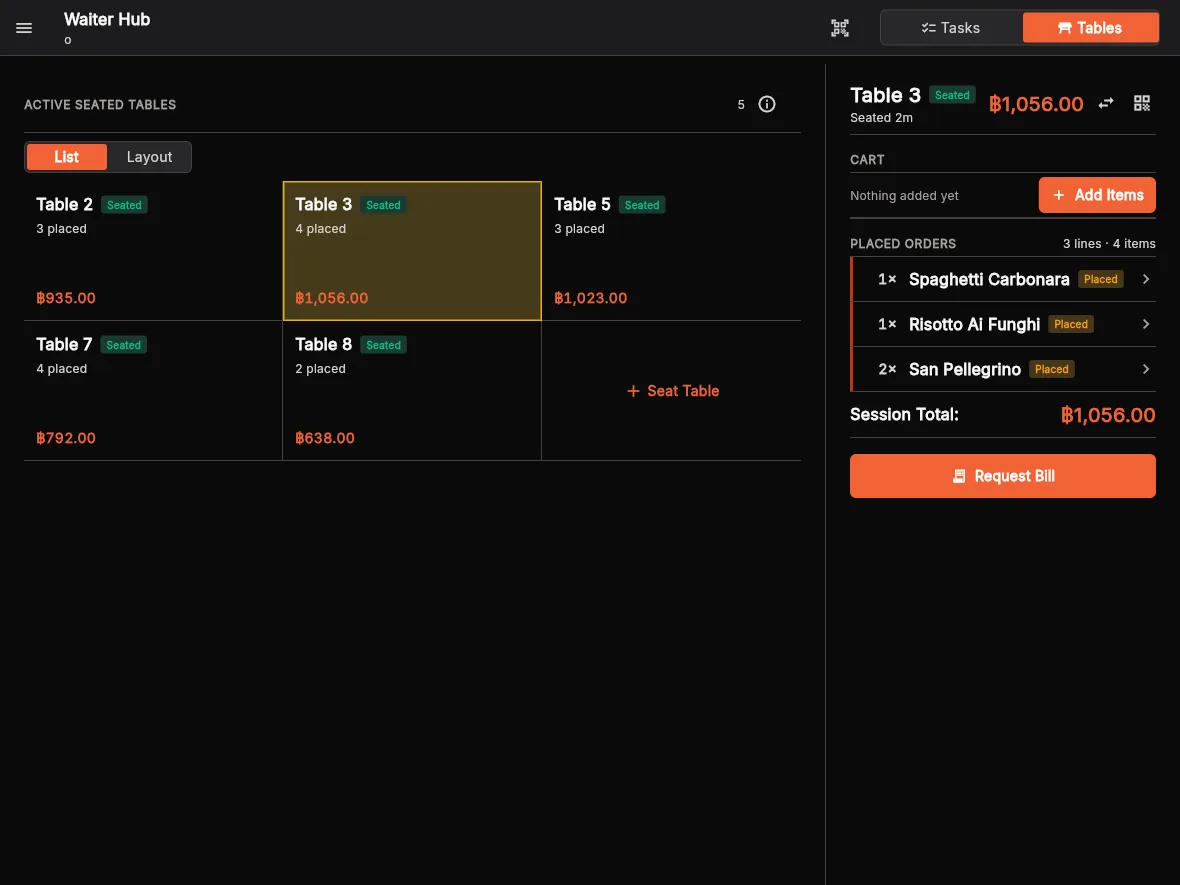
Take orders at the table, see which dishes are ready, and which table wants the bill.
Pay at the cashier
Close the bill in cash or PromptPay with a cash drawer.
Screens and devices
Staff ordering point
A tablet at the service point where staff order for diners.
Kitchen display
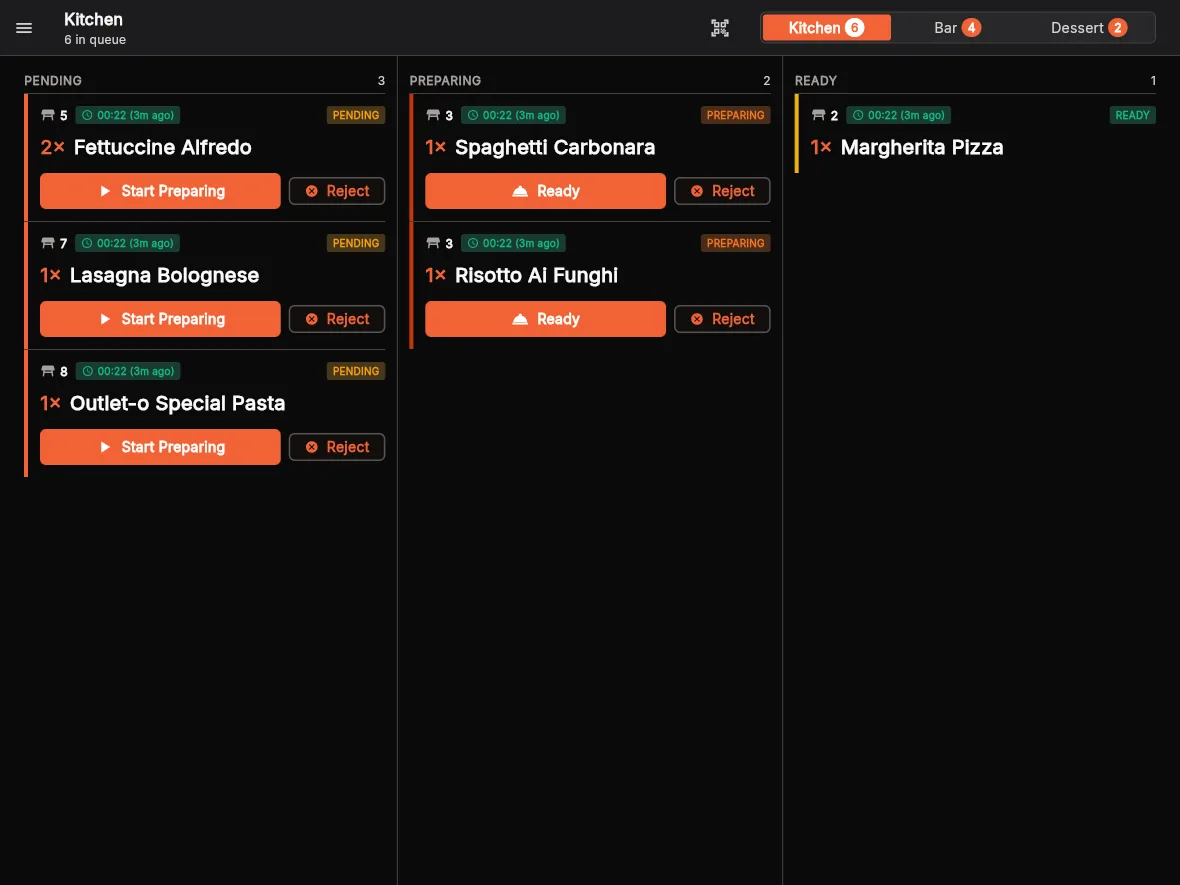
What the kitchen owes: waiting, preparing and ready.
Customer display
Faces the diner at the till and shows the bill being closed.
Inside the app
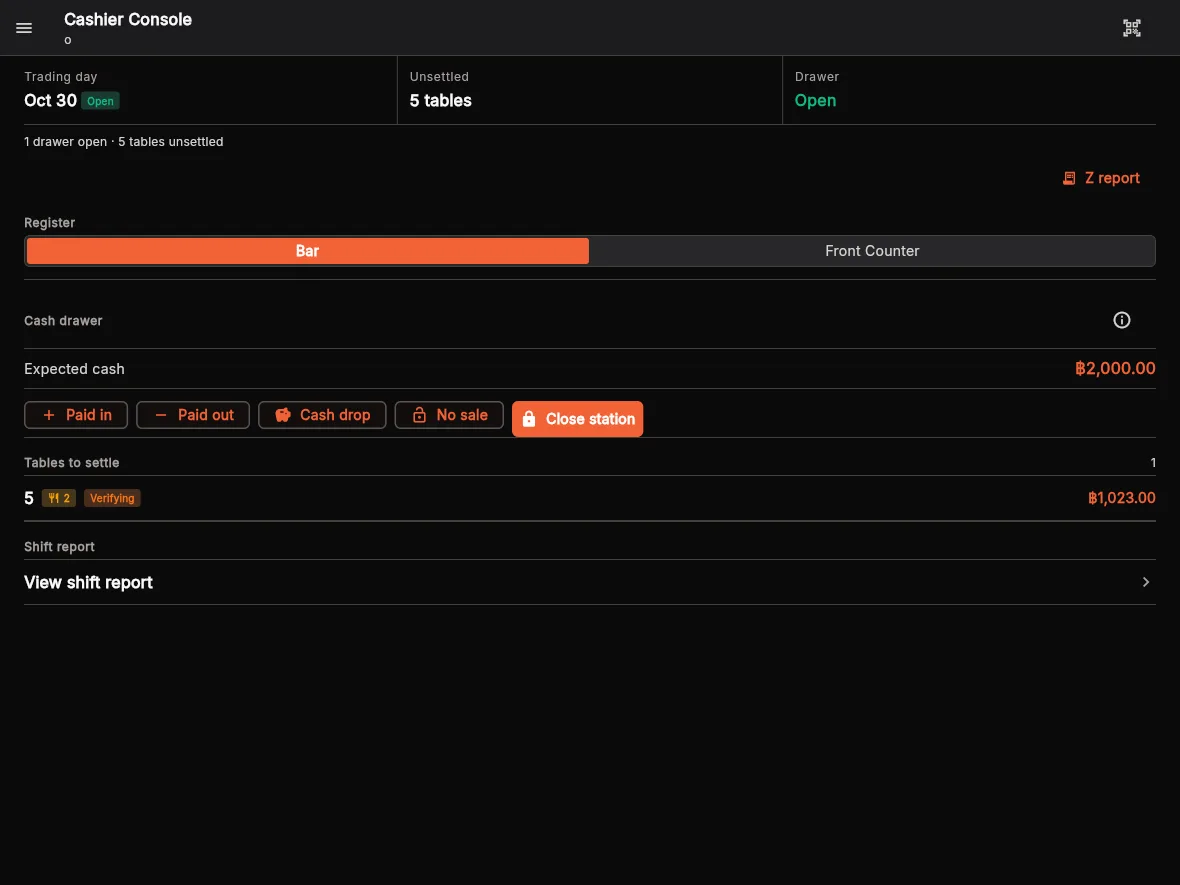
Counter and kitchen
Diners order and pay at the counter. The kitchen starts once the money is in; they collect by queue number.
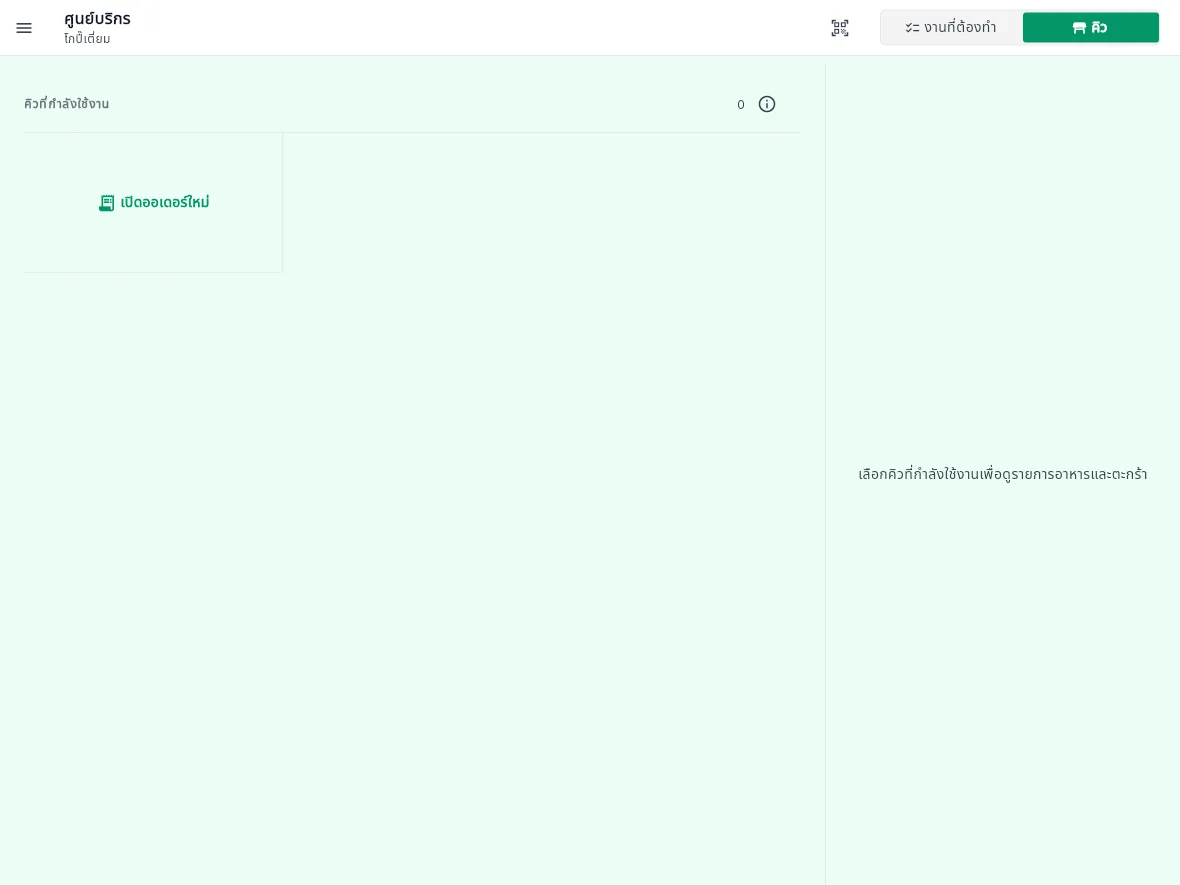
Order at the counter
Staff take the order and the money on one screen.
Queue tickets
A number is issued when the money is taken and the kitchen sees the order at once.
Call the number
Call the diner when the food is ready.
Screens and devices
Queue display
Shows the numbers being made and ready to collect.
Kitchen display
What the kitchen owes, in queue order.
Customer display
Faces the diner at the counter and shows the order and the total.
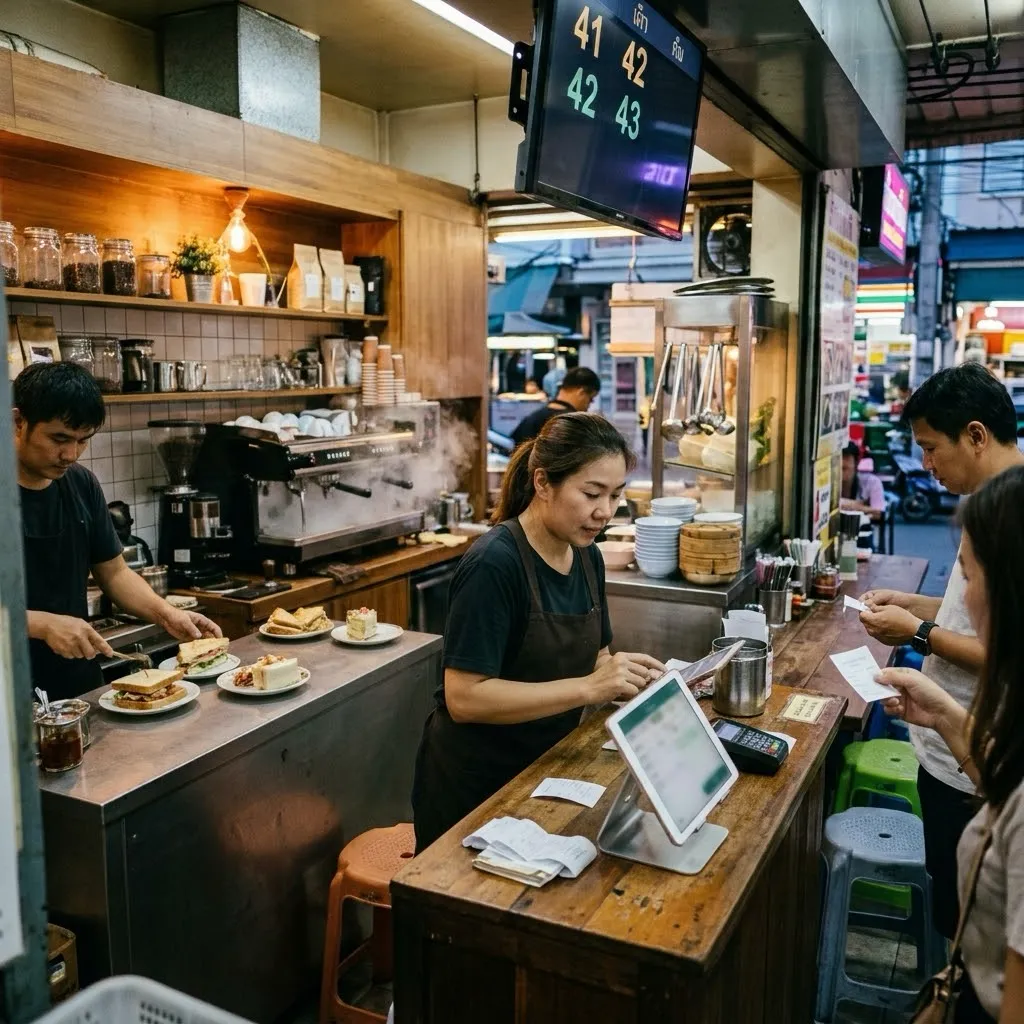
Inside the app
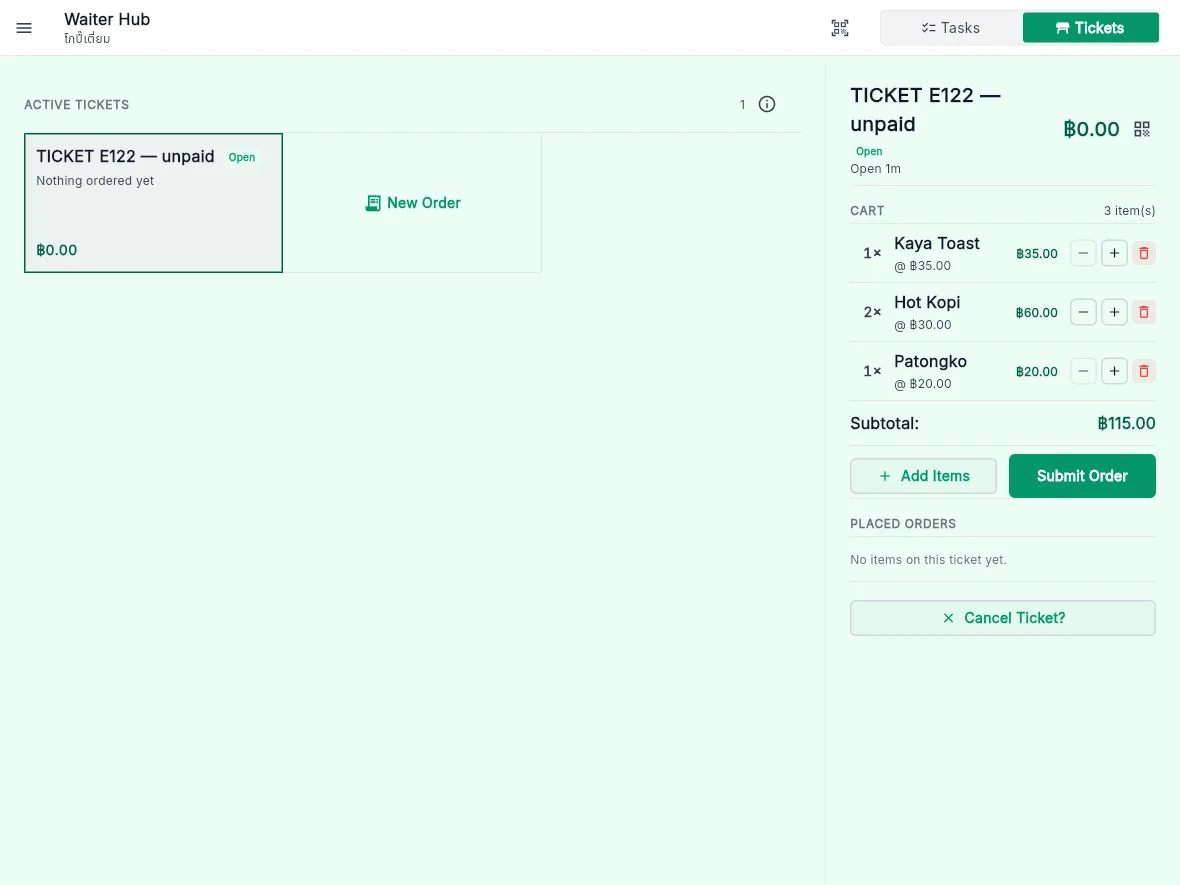
Order and pay yourself
Diners order on their phone or a kiosk, pay first, and wait for their number.
The outlet's QR
Diners scan the QR at the counter and order on their own phone.
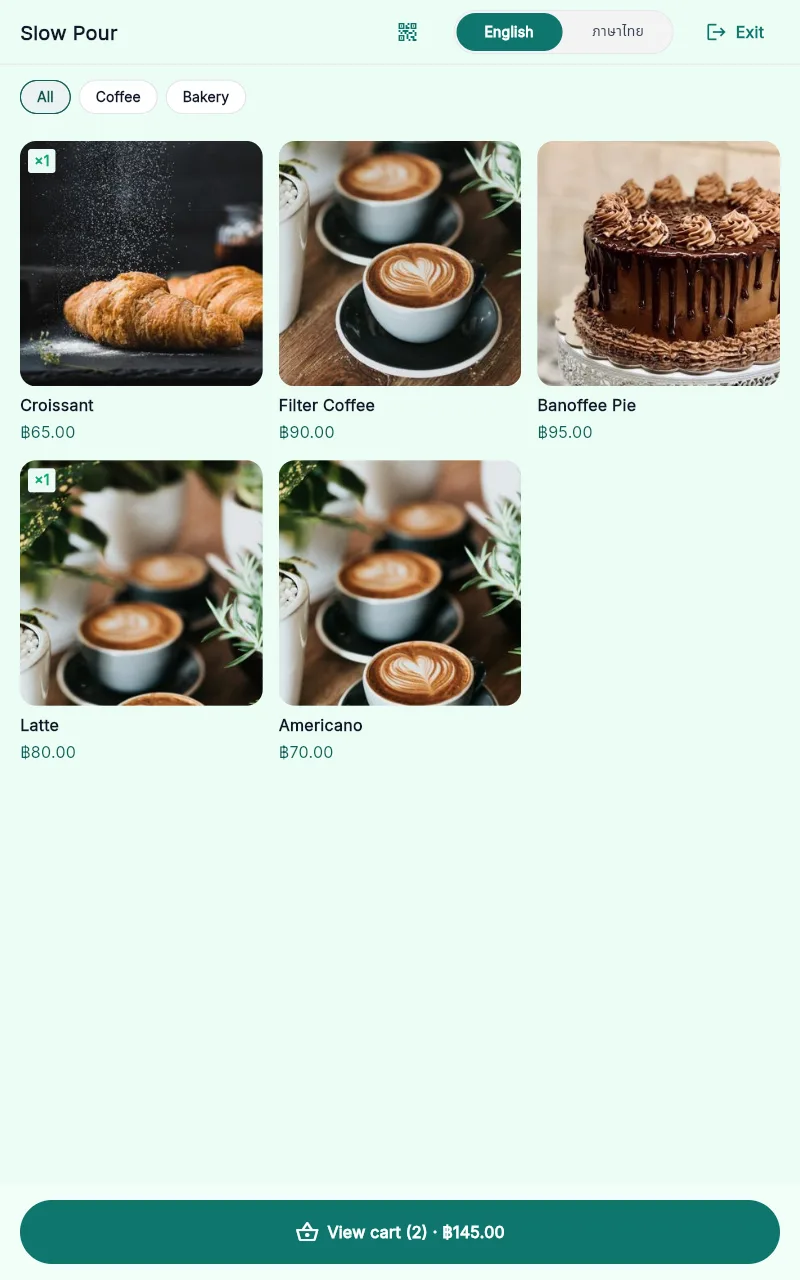
A menu with photos
Pick dishes and options, such as hot or iced and the milk, and add them to the cart.
Thai or English
Diners switch the language on the screen themselves.
Called by number
The order goes straight to the kitchen and the diner is called by queue number.
Screens and devices
Ordering kiosk
A portrait tablet at the door where diners choose and order.
Queue display
Shows the numbers being made and ready to collect.
Kitchen display
What the kitchen owes, in queue order.
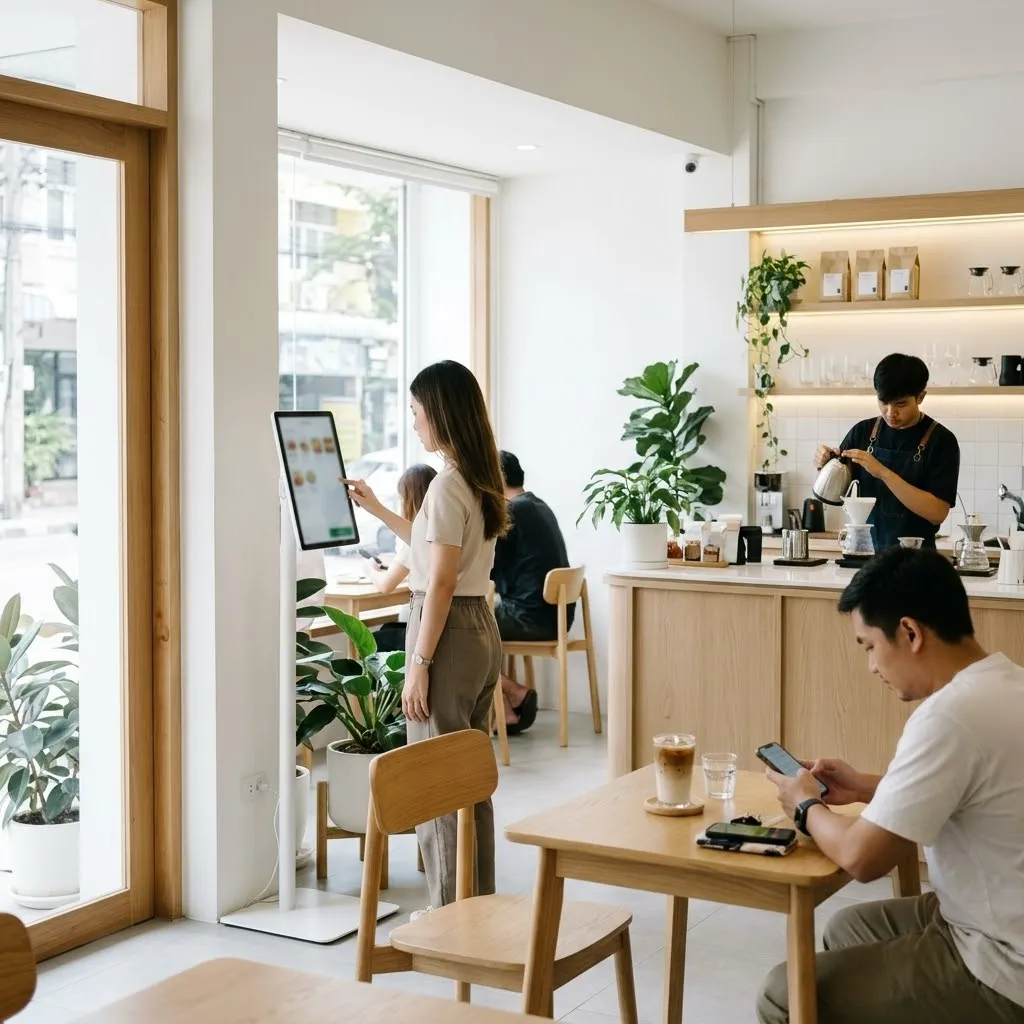
Inside the app
Every outlet type
What every eatery gets, whichever type it runs.
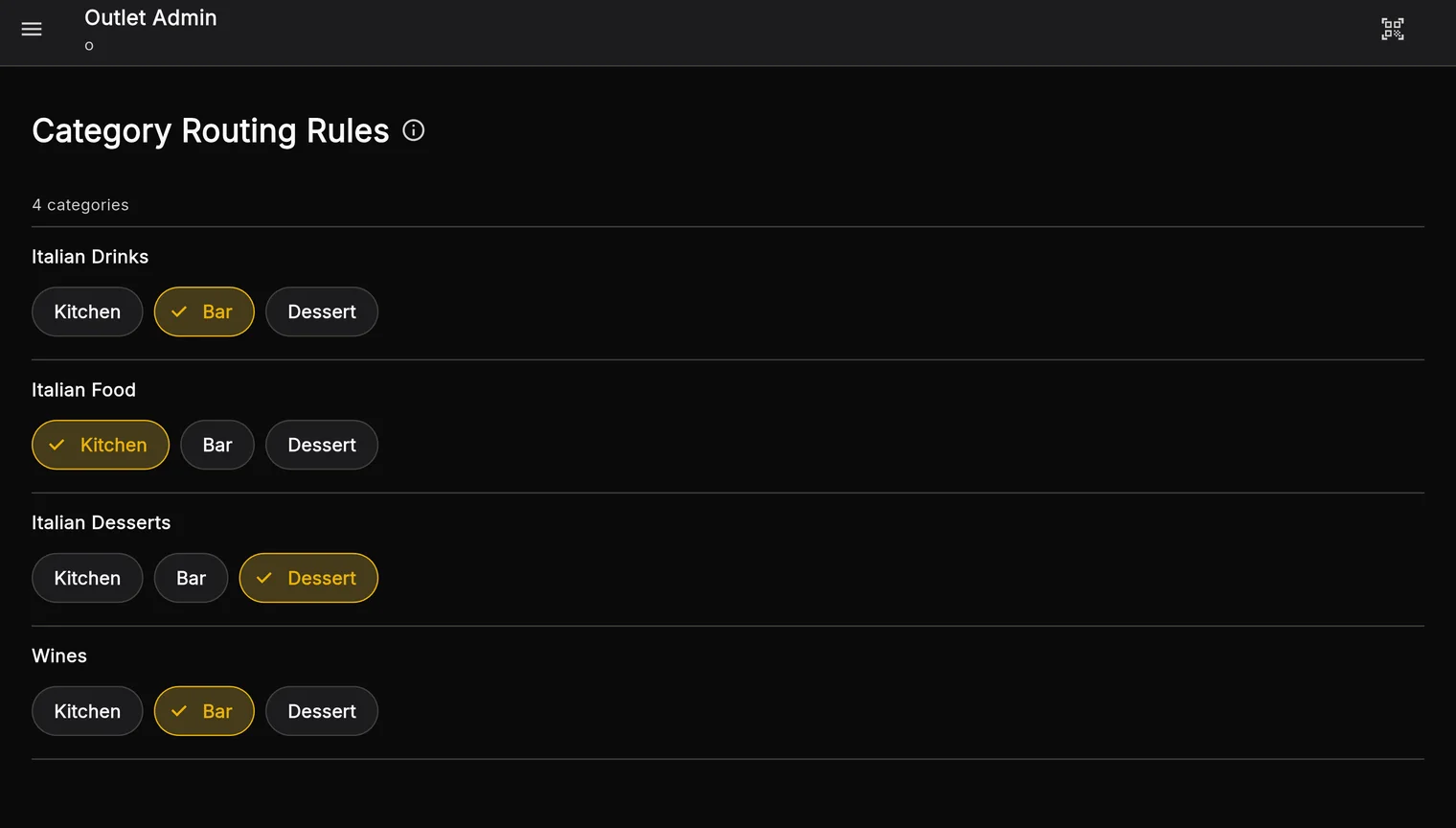
Routed to stations
Each item goes to the station that makes it, with a printed docket.
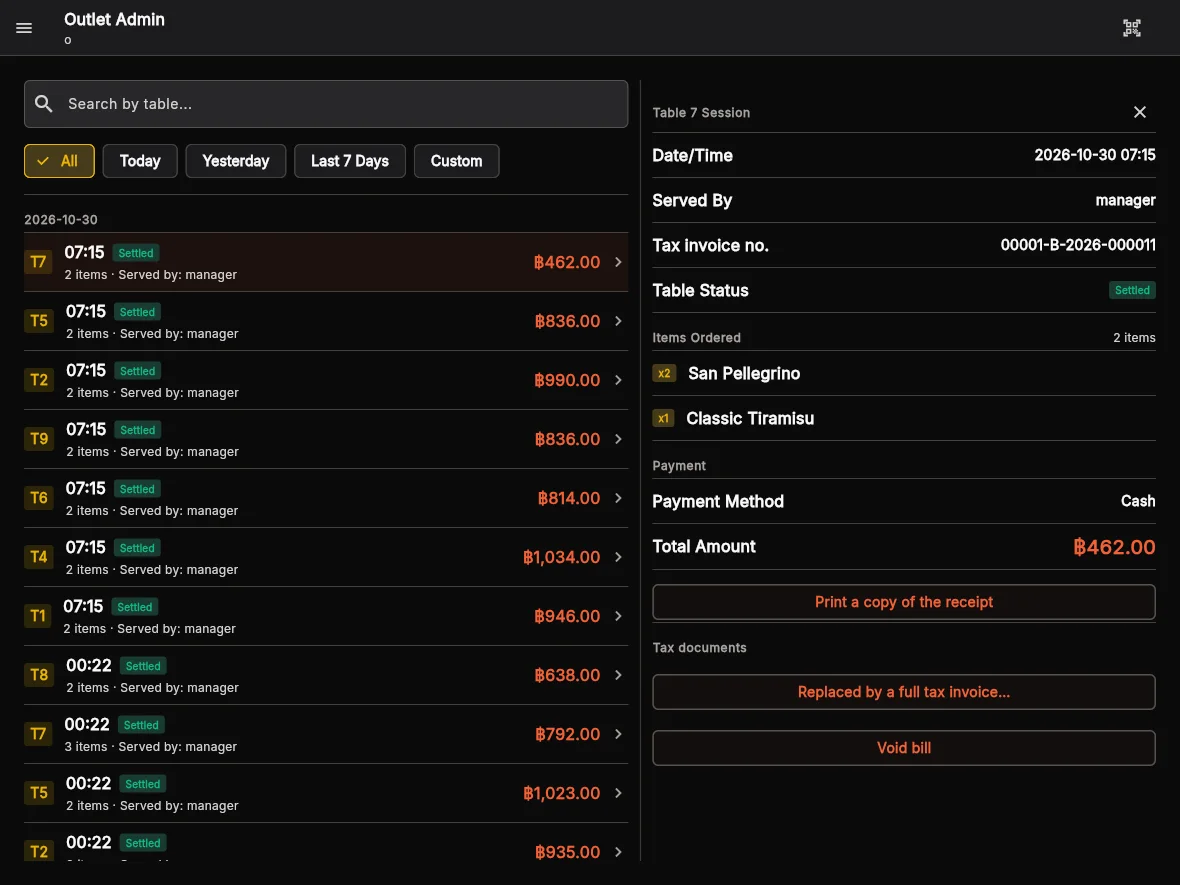
Abbreviated tax invoices
Numbered without gaps, with VAT at 7%.
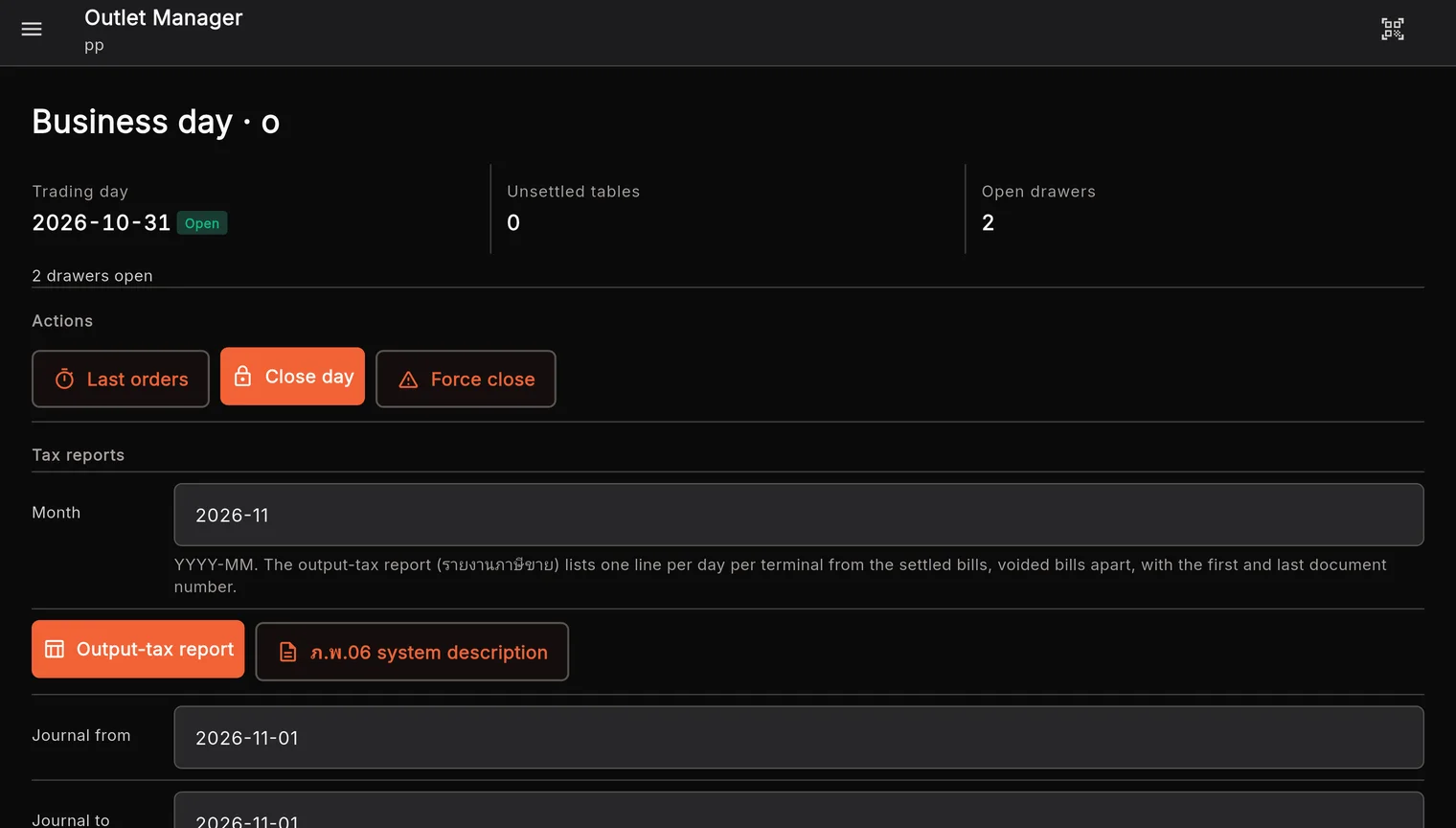
Business day and cash drawer
Open and close the day and the drawer; PunPun works out the cash that should be there.
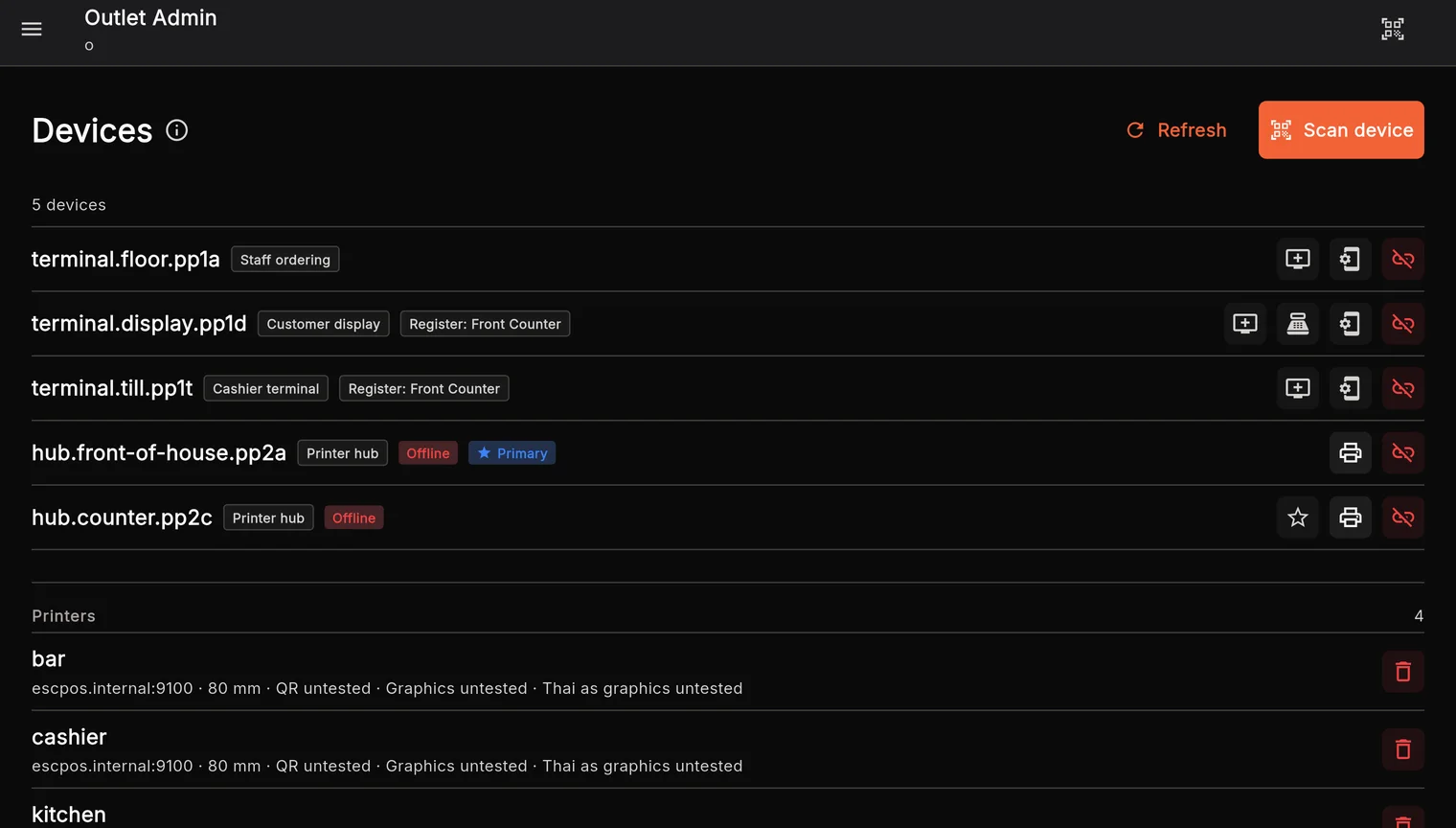
Printers
Receipt printers through the eatery’s outlet hub.
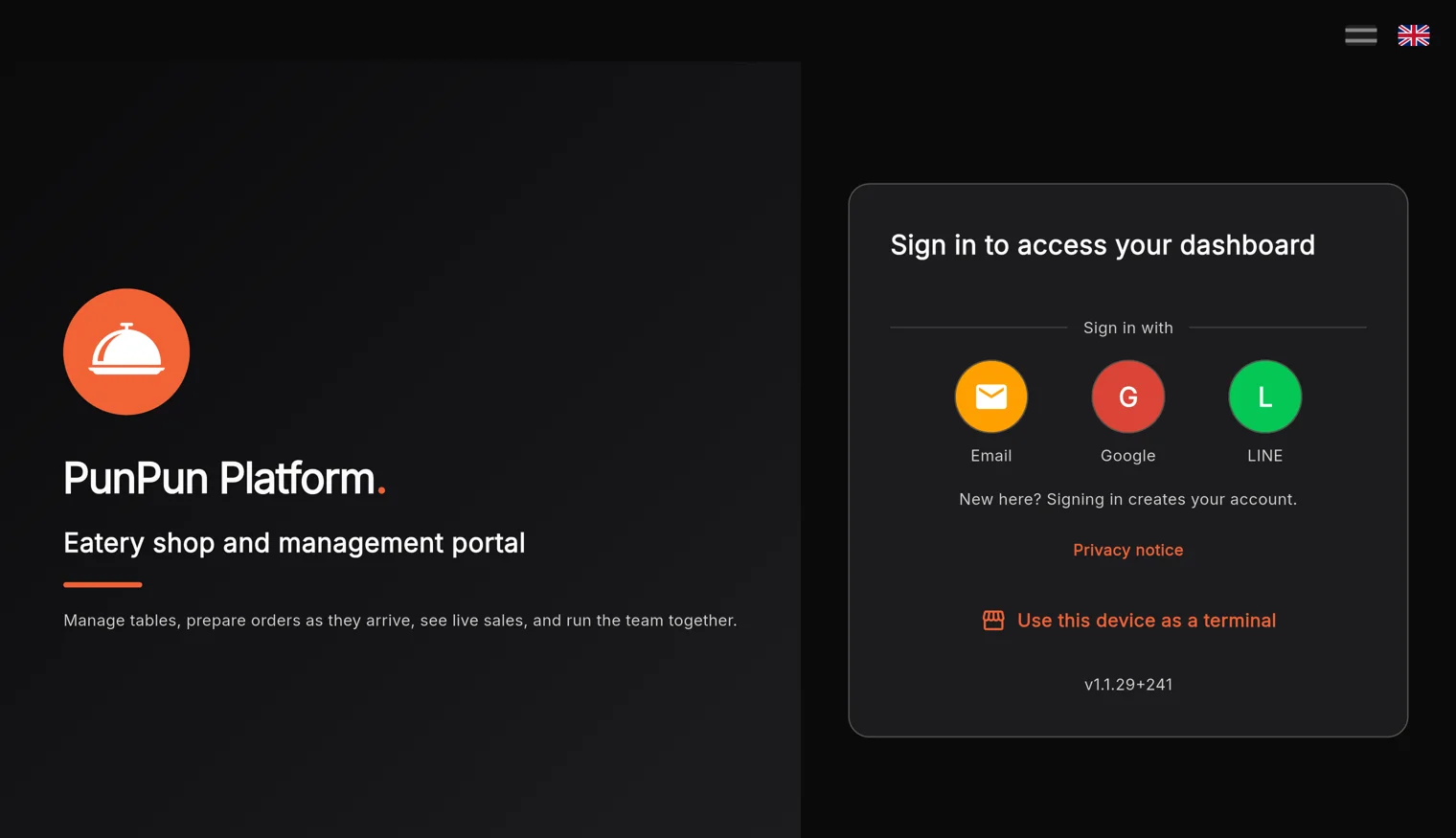
Easy sign-in
With Google or LINE; no passwords to remember.
Pair devices by QR
An admin scans the tablet’s QR to make it the screen you need.
Inside the app
Sales reports
Know how the eatery is doing right now, today and over time.
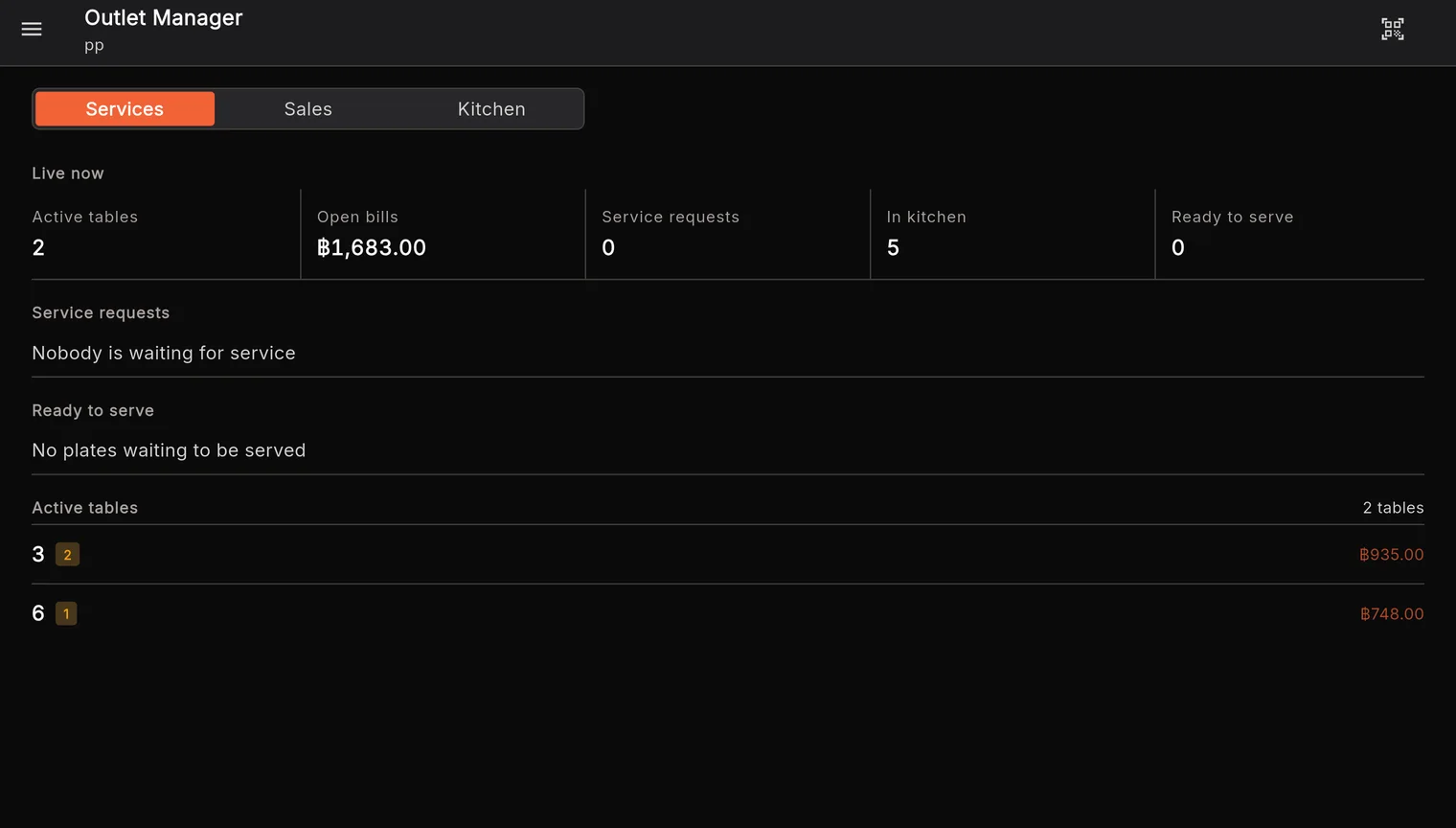
Right now
Open tables, unpaid totals, the kitchen’s load, and tables calling for staff.
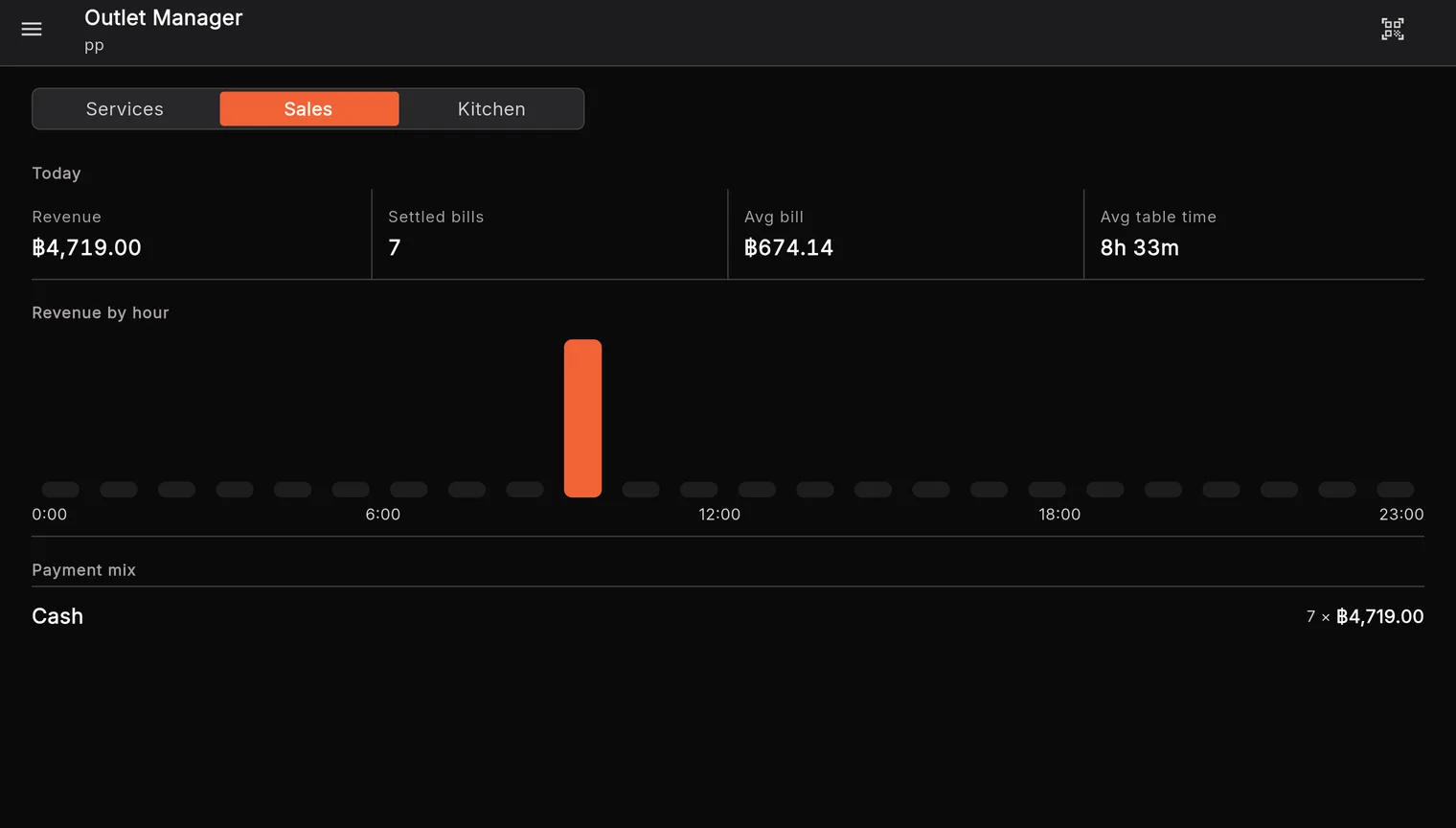
Today's sales
Sales, bills, the average bill, sales by hour, and how people paid.
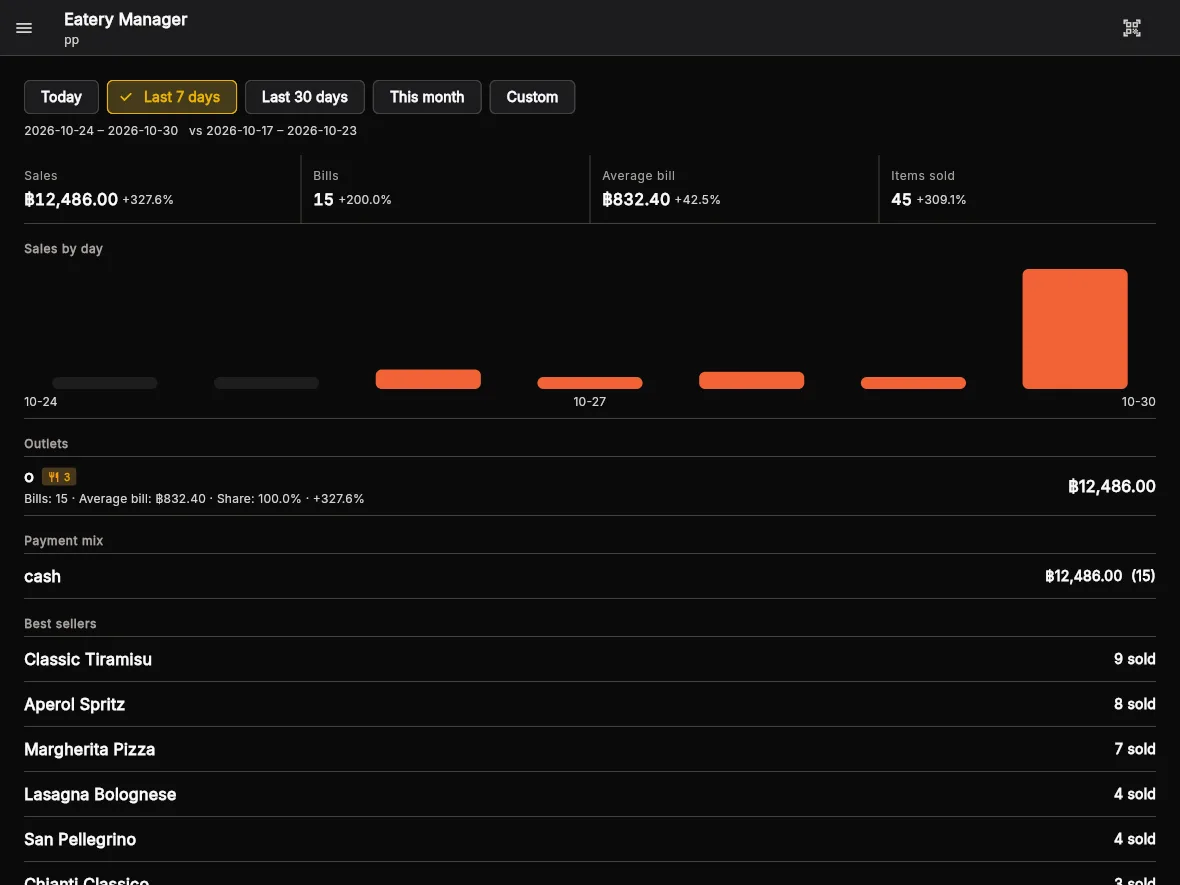
Performance
Today, 7 days, 30 days or this month, against the period before, by outlet.
Best sellers
The dishes that sold most in the period.
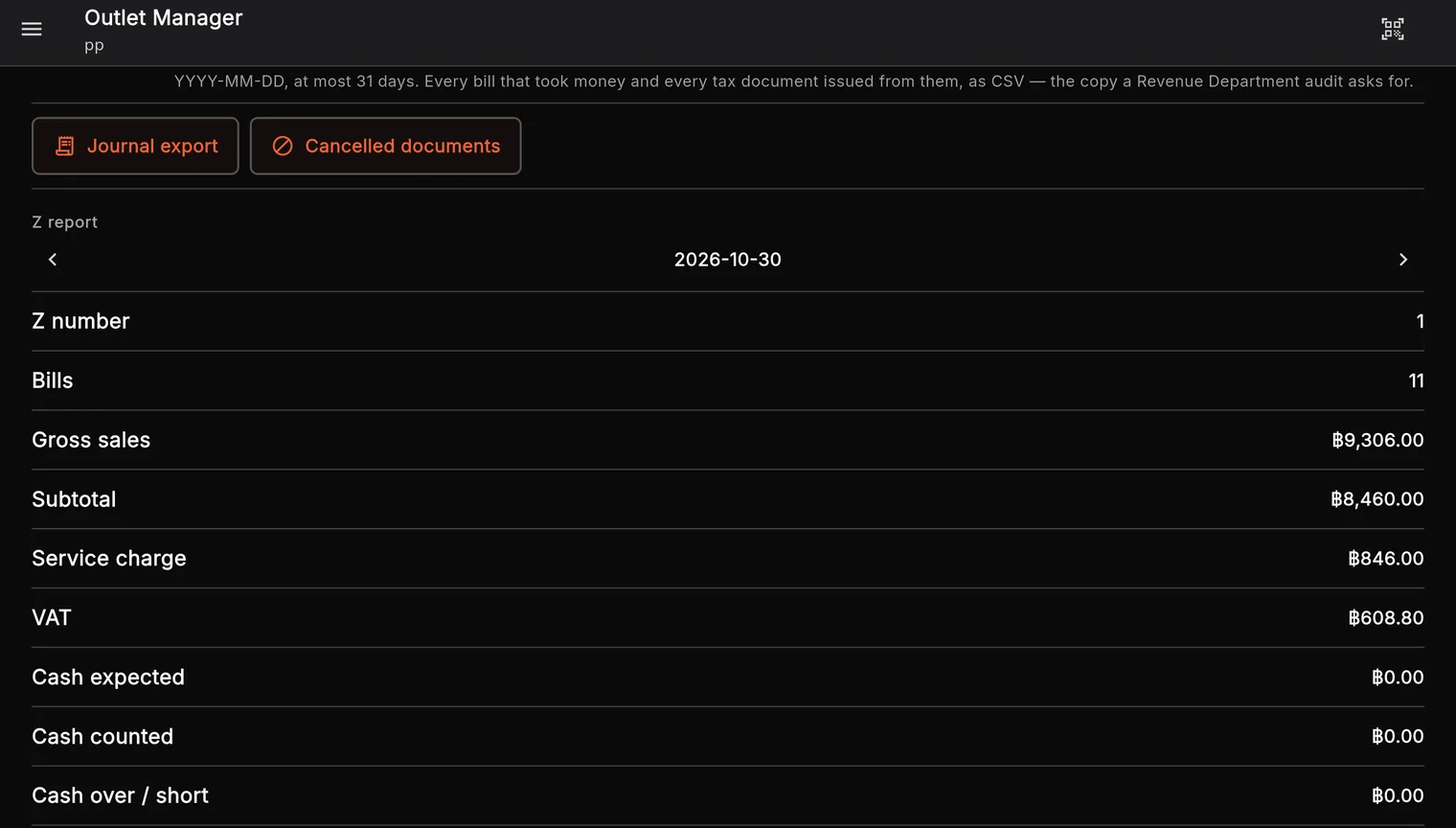
Z report
Closing the day freezes its figures and checks them against every bill.
Inside the app
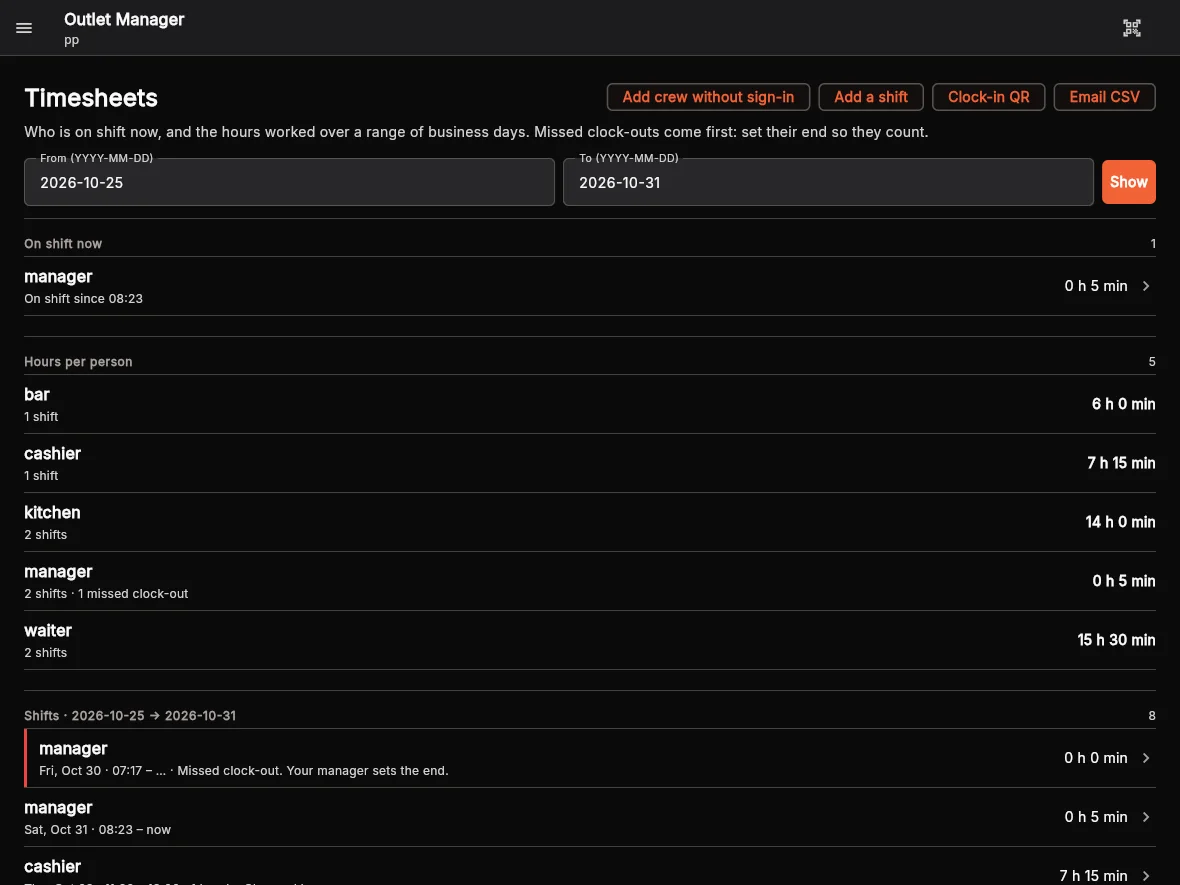
Staff time clock
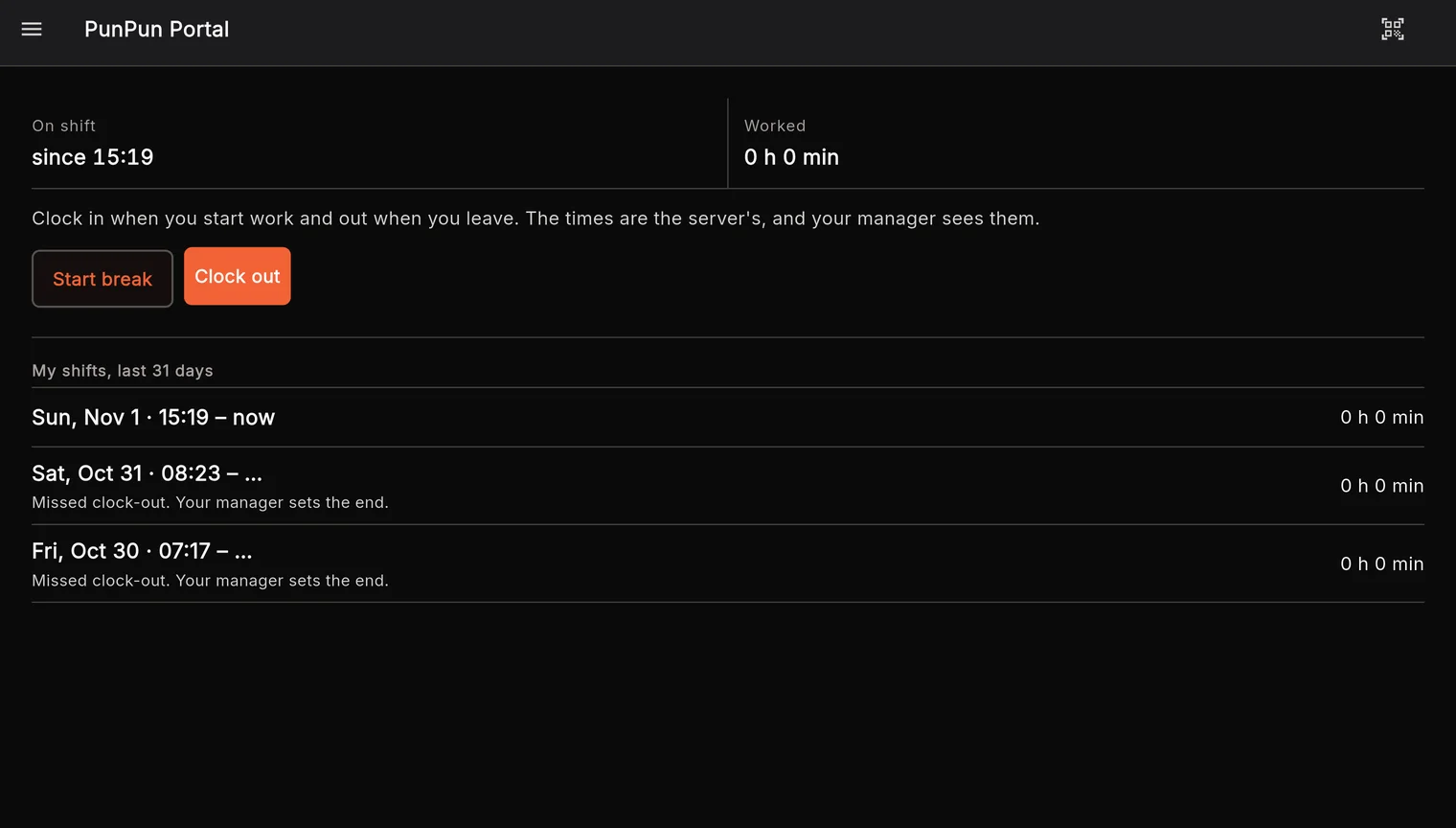
Staff clock in and out in the app. Managers see the timesheets for the whole outlet.
Clock in and out
Staff clock in, take breaks and clock out in the shop app on their phone.
On shift now
Managers see who is on shift and since when.
Timesheets
Hours per person over the days you choose, with every shift.
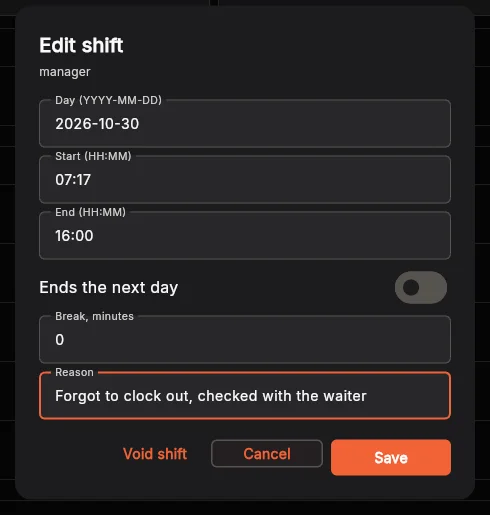
Changes with a reason
Managers add or correct a shift; every change carries a reason and is recorded.
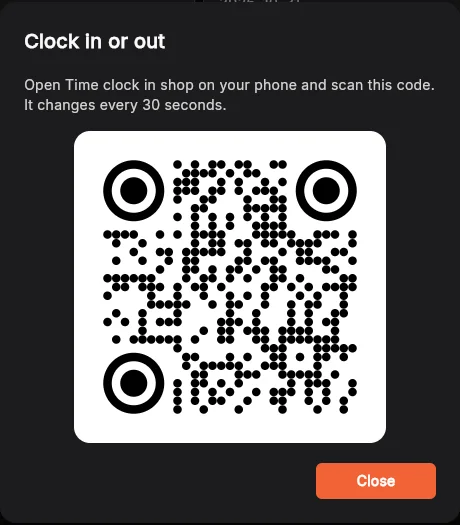
Clock-in QR
Optionally require a scan of the outlet’s QR before clocking in.
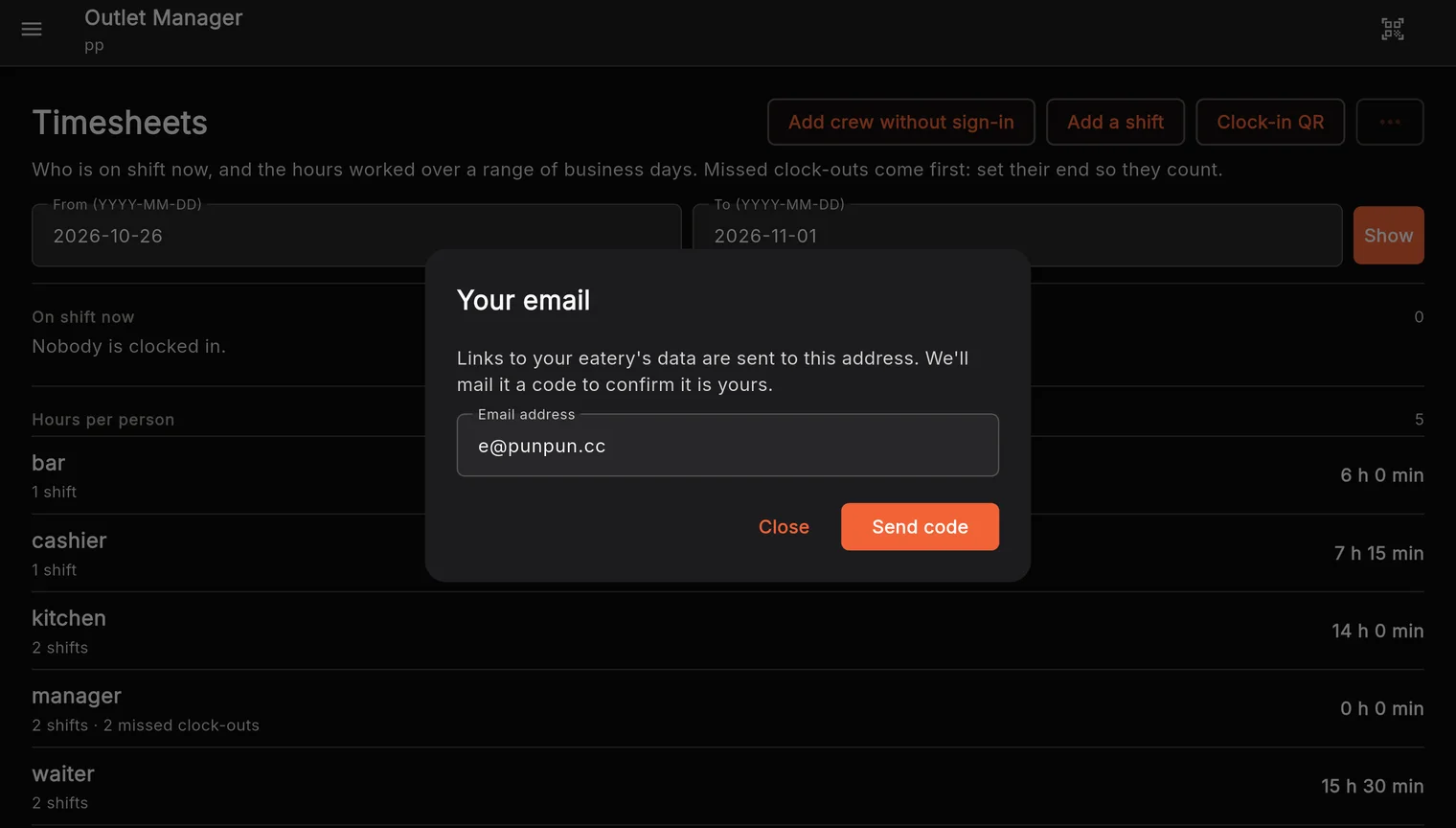
Email a CSV
Send the timesheets as a CSV for payroll.
Inside the app
Start today, at no charge
Basic
1 outlet · 3 prep stations · help from other owners in our Facebook community group
Premium
For growing eateries. Details will be here.